
Form 26AS – Income Tax Form 26AS
Purpose of Form 26AS
26AS Statement and Information
Parts of IT Form 26AS
Part 1: Details of Tax Deducted at Source (TDS)
Part A of Form 26AS provides a detailed transaction wise record of tax deducted by various entities on your behalf while making a payment to you. This Section of Form 26AS displays the information in the following format:| Serial No: | Name and details of the Deductor | TAN of Deductor | Total Amount paid/credited. | Total Tax Deducted | Total Tax Deposited |
Part 1A: Details of TDS for Form 15G or Form 15H 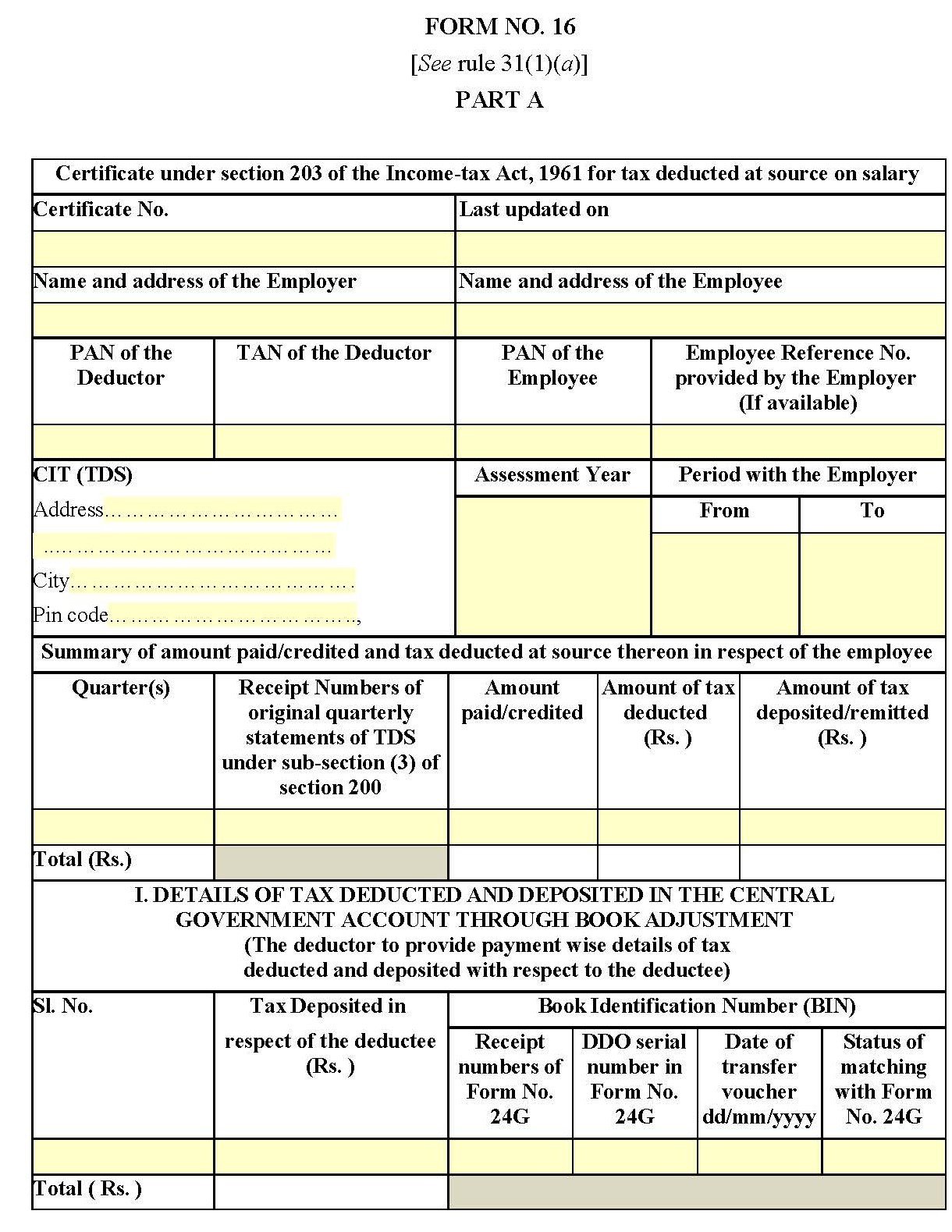
There may be a case when your earned income is below the exempted income as per Income Tax Act, or you earn no income during the year, but you have some income from FDs or other savings scheme that attracts TDS. In such a case, to avoid TDS, you are required to submit Form 15 G (in case of taxpayer below 60 years of age) or Form 15H (in case of senior citizens) with your bank.
Once you submit Form 15G or Form 15H, you are exempted from paying TDS, and the information will emerge in Part 1A of Form 26AS. The section captures the same details as those captured in Part A of Form 26AS. For any discrepancies, you should contact the buyer or deductor for necessary correction.
Part 1B: Details of TDS on sale of immovable property (in case of the seller of property)
The form includes the details of Tax Deducted at Source (TDS) on sale of immovable property under section 194 (IA) of the Income Tax Act. Details included in this section are extremely useful for the seller of a property as proof that accurate TDS has been deducted and deposited. The details captured are the same as those captured in other parts of the Form. For any discrepancies, you should contact the deductor for the necessary correction.Part 2: Details of Tax Collected at Source (TCS)
Part 3: Details of tax paid other than TDS or TCS
Part 4: Details of paid refund
Part 5: Details of AIR (Annual Information Return) transactions
Part 6: Details of tax deducted on sale of immovable property under section 194IA (in case of the buyer of property)
Part 7: Details of tax defaults (includes processing of defaults)
How to View and Download Form 26AS?
The process to view Form 26AS.
Form 26AS- Points to Remember.
Dialabank provides you with all the required information about the IT form 26AS in the simplest format.
FAQs about the IT Form 26AS
✅What is Form 26AS?
It is the annual tax credit statement issued by the Income Tax department for every taxpayer. It contains a detailed report about the taxes deducted against your income by employers, banks, including any advance tax or self-assessment tax paid during the year. It also states details of any income tax refund received from the tax department during the relevant financial year.
✅How can I see my form, 26AS?
Form 26AS is available on the official portal of TRACES; you can view and download the form from there. Else, if your PAN card is linked with the bank account, you can see the tax credit statements through your net banking account. However, there are limited be registered with NSDL to providing a view of the Tax Credit Statement. You must view the list of these banks to download Form 26AS through your net-banking account.
✅Who will provide Form 26AS?
The Income Tax department keeps everyone taxpayer’s record about the details of tax paid and refunds received against the income for a financial year. You can view and download Form 26AS from the income tax department’s official website or through the net-banking account of your bank to check the record of income tax statement provided by the Income Tax department under section 203AA of the Income Tax Act.
✅Why do we need Form 26AS?
We need Form 26AS because it provides proof that tax has been deducted and collected on our behalf. Further, it confirms that employers and banks have deducted the accurate taxes on our behalf and deposited them into the government’s account.
✅What is Form 26AS TDS?
The information provided in Part A of Form 26AS contains details of TDS ( Tax deducted at source) deducted on your salary, interest income, pension income etc. If you have provided the form 15G/H, if your income is not eligible for TDS, you can track the status using Form 26AS TDS.